Console care
PS5 Maintenance: How to Prevent Overheating
Keep your PlayStation 5 running cooler with practical cleaning, airflow, and warning-sign advice from console repair technicians in Queens.
Quick answer
Give the console space to breathe, listen for new fan noise, and address heat warnings early instead of playing through them.
Before you start
A simple first-response checklist
- Place the PS5 on a hard, open surface.
- Leave clear space around the vents.
- Keep the area free of dust and pet hair.
- Stop play and seek help after heat warnings or shutdowns.
Technician notes
Give the console room to breathe
Keep the PS5 on a hard, stable surface with space around its vents. Closed cabinets, carpet, and tightly packed entertainment units trap heat and make the fan work harder.
Move cables and accessories away from the intake and exhaust areas. A little open space around the console is often more useful than trying to cool it with an external fan.
Technician notes
Watch for new noise or shutdowns
A louder fan, heat warning, crashes during games, or sudden shutdowns can signal dust buildup or a cooling issue. Do not keep pushing the console through those symptoms.
Take note of whether the problem happens after a certain amount of play time or with a particular game. That context can help a technician test the issue more efficiently.
Technician notes
Use professional cleaning for persistent problems
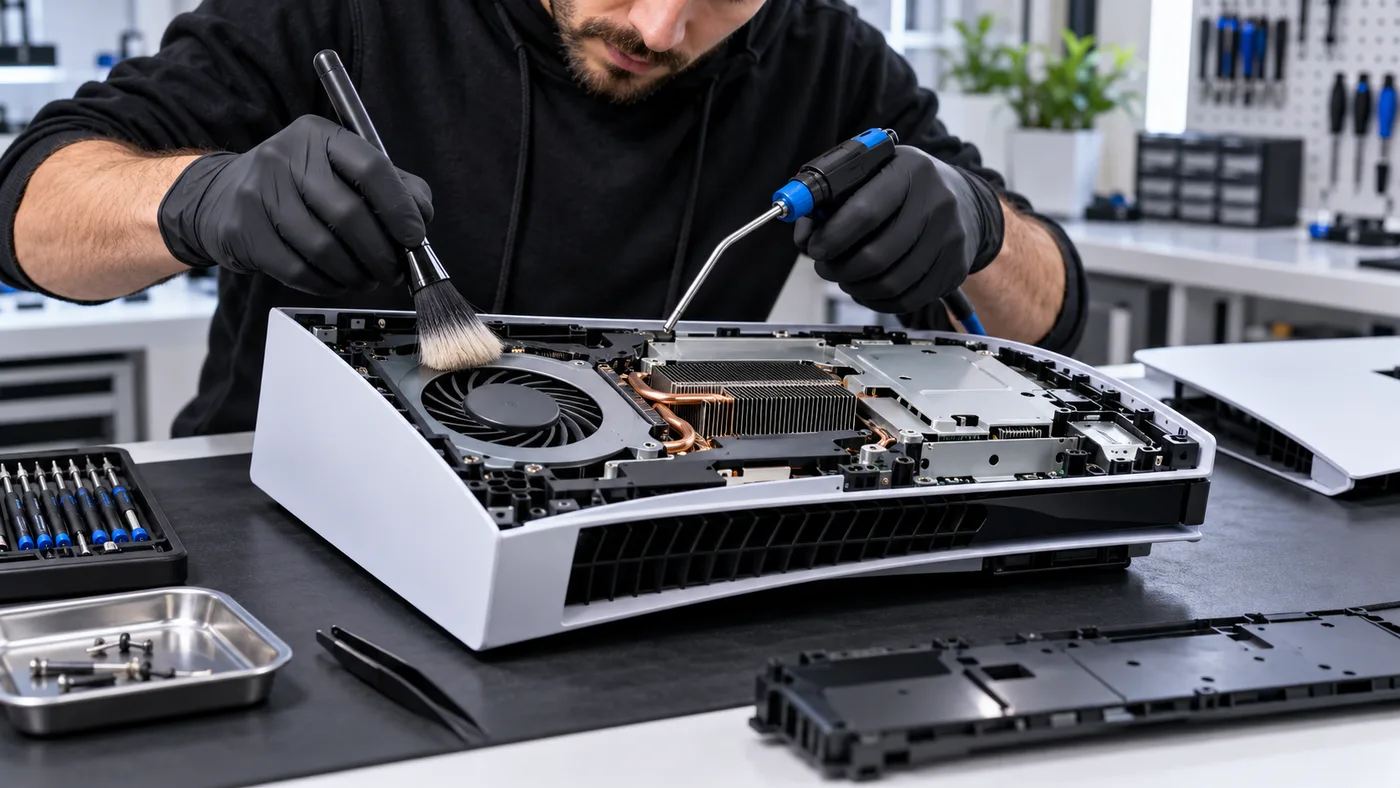
External dusting is useful, but opening a console without the right tools can damage clips, cables, or thermal components. A professional cleaning can address internal dust and verify cooling performance.
Maintenance is most valuable before repeat shutdowns damage other parts. A quick inspection can separate a basic cleaning need from a fan, power, or board-level concern.
Bring it in sooner if you notice
- • A sudden increase in fan noise
- • Heat warnings
- • Crashes during demanding games
- • Unexpected shutdowns